
Nevada Virtual Office Setup: Form 1583 & Address Guide
Step-by-step guide to setting up a virtual office in Las Vegas — pick a tier, complete USPS Form 1583, understand address requirements, and avoid mistakes.
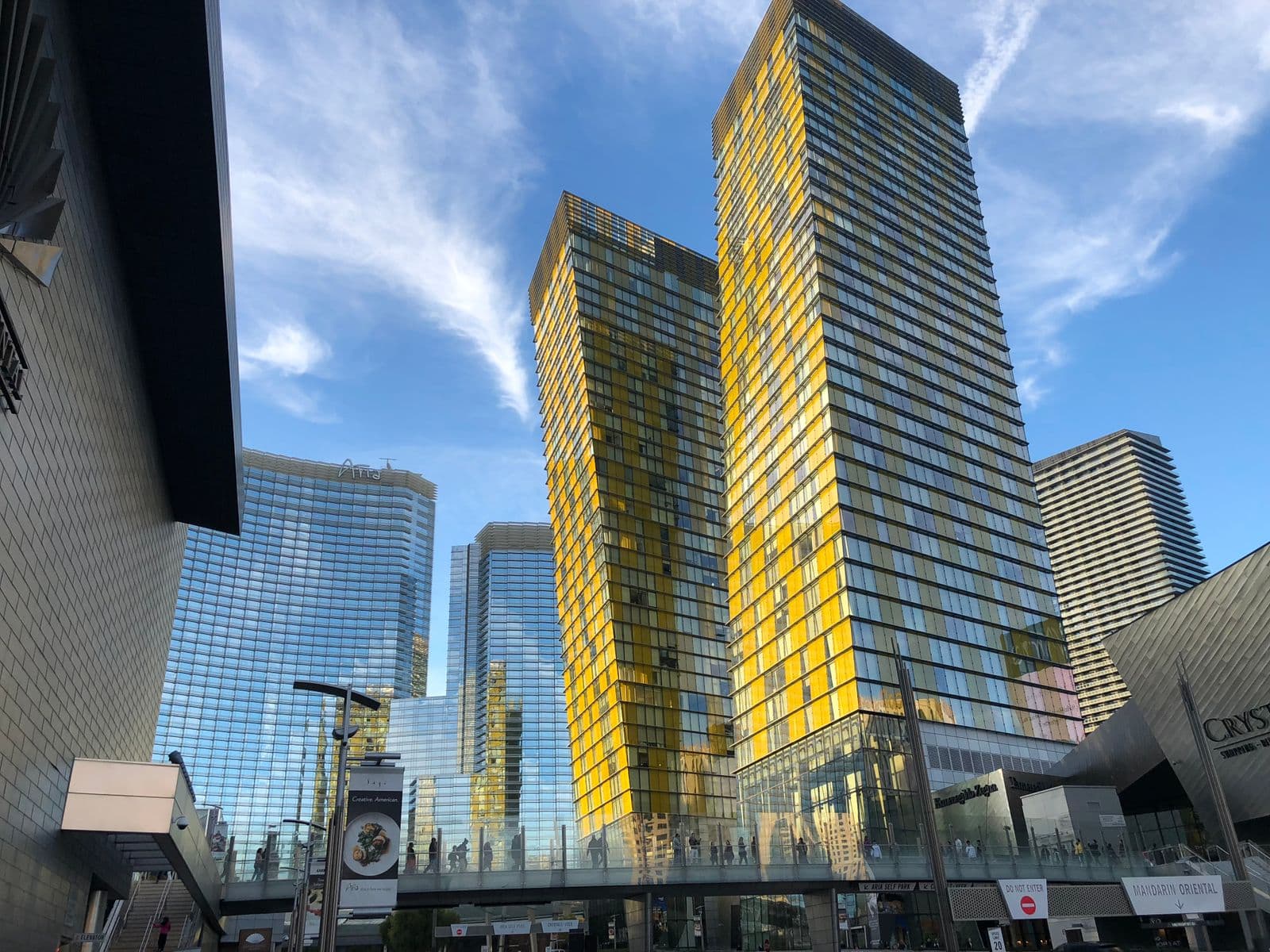
If you're a founder, e-commerce seller, or out-of-state owner who needs a Nevada business mailing presence, a virtual office in Las Vegas can provide a real commercial street address without leasing a desk you'll never sit at. Confirm the requirements of each filing, bank, or platform before relying on it. Forming an entity at the same time? Read using a virtual office for an LLC and the Nevada LLC virtual office guide first.
This is the practical step-by-step we walk new members through. Timing depends on how quickly you provide the required identification and the provider completes verification.
Why a Las Vegas address in the first place?
Nevada is usually a deliberate choice. The state has no personal income tax, no corporate income tax, and no franchise tax on most small businesses, which is why a steady stream of out-of-state founders, remote LLCs, and e-commerce operators register here. A virtual office can supply a commercial mailing address, while a registered agent remains a separate legal requirement.
It also matters that the address is a real, staffed commercial building rather than a mailbox-store cubby. Our address — 6860 Bermuda Rd, Suite 200, in the Enterprise/Paradise area near the airport — is an actual office with on-site staff who sign for couriers, an on-site cafe, and free parking. Banks and platforms set their own verification requirements, so confirm eligibility before applying.
Step 1 — Pick the tier that matches your actual mail volume
Most people overbuy. Match the plan to what you actually receive:
| Tier | Price | Best for |
|---|---|---|
| Mail Holding | $39/mo | Occasional letter mail and filings that accept a commercial mail-receiving address |
| Sandstone | $69/mo | E-commerce sellers receiving UPS / FedEx / Amazon |
| Opal | $149/mo | Out-of-state owners who want mail forwarded |
| Diamond | $249/mo | Regular client meetings + dedicated phone line |
If you're filing an LLC and rarely get physical mail, Mail Holding is enough. Everything is month-to-month with no long-term lease, so moving up a tier when your Amazon returns start piling up — or back down after a busy season — is a billing change, not a renegotiation.
A practical note for owners who occasionally visit: the building is roughly 10 minutes from Harry Reid International Airport (LAS) and the Las Vegas Convention Center, and about 2 minutes from I-215. If you're in town for a trade show, your virtual office address doubles as a place you can book a same-day desk and work — a Day Pass is $25 and meeting rooms start at $39/hour.
Step 2 — Sign up and complete USPS Form 1583
USPS requires Form 1583 before a commercial mail receiving agency (CMRA) can accept mail on your behalf. We send the current form when you sign up. You'll need:
- An unexpired government-issued photo ID from the form's accepted list
- A second form of identification that verifies your home address and appears on the form's accepted list
- Identity verification in the CMRA employee's physical or live virtual presence, or acknowledgment before a notary
Mail service begins after the provider accepts your completed form and identification. Do not use the address on applications until activation is confirmed.
Step 3 — Update your LLC and state registrations
After activation, the address may be used on applications and accounts that accept a commercial mail-receiving address, including potentially:
- Nevada Secretary of State LLC filings (Articles of Organization, Annual List)
- IRS EIN application (Form SS-4)
- State business license
- Sales tax permit (if applicable)
Your registered agent is a separate role — Muze Office is your business address, not your registered agent. If you don't have a registered agent yet, services like Northwest or Harbor Compliance handle that piece.
Budget for the recurring Nevada costs, which catch first-time filers off guard. Every Nevada LLC owes a $150 Annual List fee plus a $200 State Business License renewal each year — $350 total — due by the last day of your LLC's anniversary month, with a $100 penalty if the business-license portion is late. That's a state obligation separate from your virtual office plan.
Step 4 — Understand Google Business Profile rules
A virtual-office-only address does not make a business eligible for a Google Business Profile. Google requires the business itself to operate at the location, receive customers during stated hours, be staffed by its own team, and maintain permanent signage. If you meet those requirements through a genuine workspace arrangement, review Google's current guidelines before applying; Muze Office cannot guarantee verification or listing eligibility. Our Google Business Profile verification guide for coworking spaces explains the policy, video process, and what one Muze Office member was asked to show during a live call.
Step 5 — Update your bank and payment processors
Banks and payment platforms set their own physical-address, mailing-address, and identity-verification rules. Some accept a CMRA address only as a mailing address and require another physical address. Check the current requirements with each institution before applying; Form 1583 does not guarantee approval.
Common mistakes to avoid
- Assuming every filing accepts the same address type. Nevada requires a physical street address for a registered agent, while business and mailing fields can have different rules. Check each field before filing.
- Skipping Form 1583. Federal law — non-negotiable. Mail won't be accepted until it's on file.
- Listing the virtual office as your registered agent. It isn't. Get a separate registered agent service.
- Forgetting to update your existing accounts. Mail sent to your old address won't be forwarded automatically by USPS forever.
Frequently asked questions
Do I have to live in Nevada to use a Las Vegas virtual office? No. You can complete Form 1583 through the provider's live virtual verification process or, where available, acknowledgment before an online notary, without traveling to Nevada. If you do visit, the building is open to you.
Is this a legal address for an LLC, or just a mailbox? It's a commercial street address at a real, staffed building. It is not your registered agent, and the requirements for LLC filings vary by form and purpose. Confirm which address is permitted with the Nevada Secretary of State or a Nevada attorney before filing.
How is a virtual office different from a coworking membership? A virtual office is an address and mail service — you're not paying for a desk. A coworking or private office membership pays for space to actually work. Many members start with a virtual office, then add a Day Pass or meeting-room hours only when they need them. You can run both at once.
What happens to mail and packages when they arrive? On Mail Holding we receive and hold your items, then notify you for pickup. Higher tiers (Sandstone, Opal, Diamond) add courier/parcel acceptance and forwarding. Staff sign for UPS, FedEx, and Amazon deliveries during business hours — useful for e-commerce sellers who can't risk a doorstep drop.
Can I open a U.S. business bank account with this address? It depends on the institution. A bank may accept it as a mailing address while requiring a separate physical address. Confirm the current requirements with your bank before applying.
I'm setting up outside Nevada — do you have other locations? A second location is planned. If you're closer to Texas, join Houston early access for confirmed updates about the Galleria-area opening; no Houston address service is active yet.
Ready to start?
Pricing, plans, and FAQs for a virtual office in Las Vegas at Muze Office. Or book a tour if you'd rather see the building before you sign up.